The Simple Security Habits That Protect You and Your Employer
This article outlines simple security habits like strong passwords, MFA, and phishing awareness that protect employees and their employers from cyber threats.

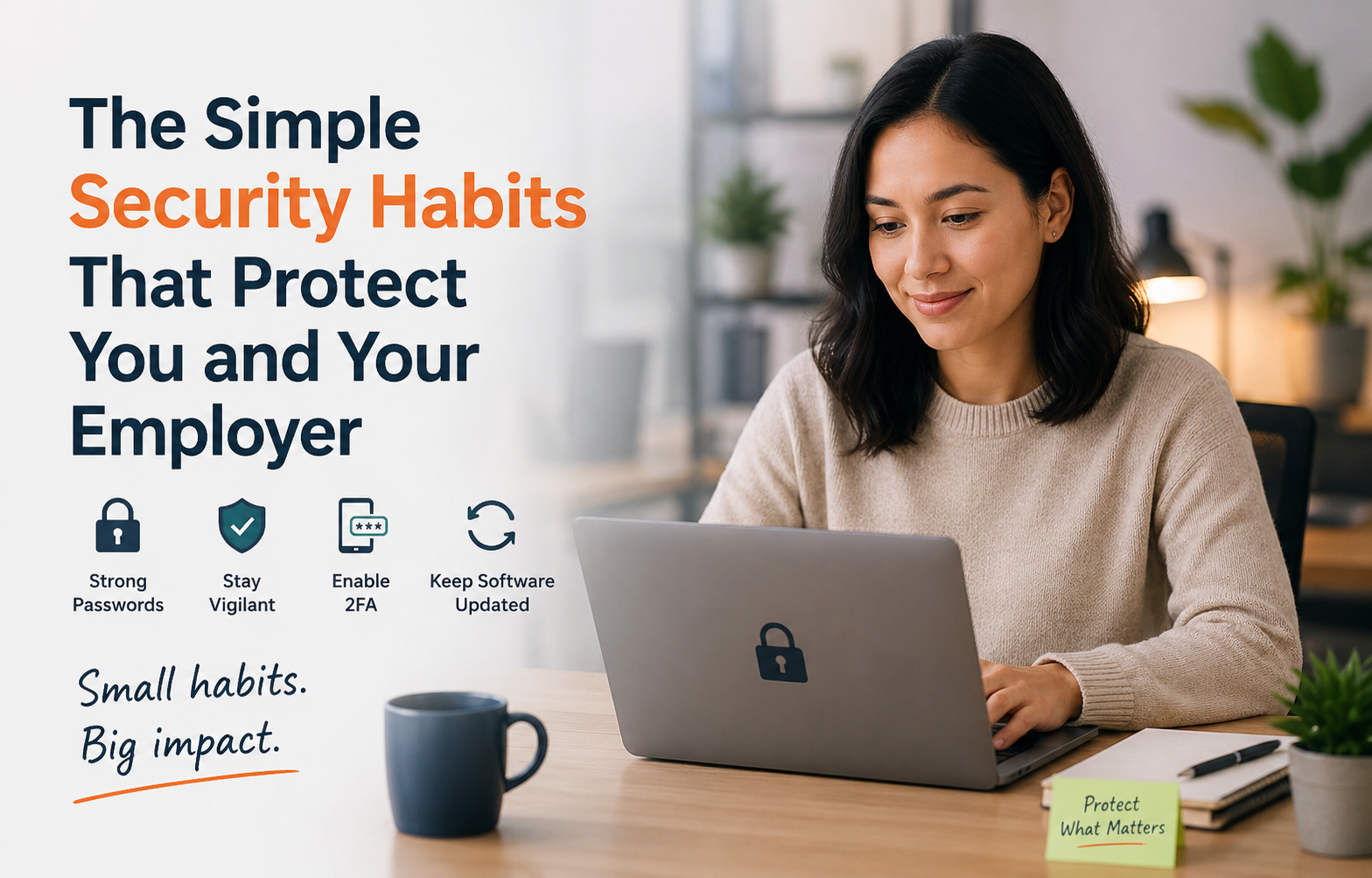
A single compromised account or careless click can leave workplace systems and information vulnerable to attack. Many of these risks arise during routine digital activities at work. From securing account access to recognizing suspicious communications, simple habits strengthen employee cybersecurity and help reduce common risks.
Using Strong Passwords or Passkeys
Weak and predictable passwords can make it easier for attackers to gain access to accounts. An analysis of 6 billion compromised credentials from 2025 found that poor password habits remained widespread. Familiar combinations such as “123456,” “admin” and “password” are among the most prevalent leaked passwords.
Employees can strengthen account security by:
- Using unique passwords for work accounts
- Using an approved password manager
- Avoiding the reuse of work passwords for personal accounts
Passkeys provide a strong authentication alternative to regular passwords, especially for high-value accounts such as banking, primary email and investment accounts. Because they use cryptographic key pairs that link to a specific website or service, they provide a robust defense against modern cyber threats, such as phishing and credential theft. The best way to use passkeys is to store them in a synced ecosystem or dedicated password manager.
Enabling Multifactor Authentication
A password provides a single layer of account protection. Multifactor authentication (MFA) adds another form of verification, such as an authentication app, security key, biometric check or one-time code.
Employees can enable MFA, particularly for email, cloud services, administrative platforms and other accounts that contain sensitive information. MFA provides a reliable layer of employee cybersecurity because it requires two or more independent factors to verify a user's identity. Even if a cybercriminal steals or phishes an employee's password, they can’t access company accounts or data without fulfilling the second verification requirement.
Recognizing Phishing Attempts
Phishing attacks rely on convincing people to click a link, open an attachment, provide information or carry out a requested action. Employees may encounter these attempts through email, messaging platforms, websites, phone calls or other communication channels.
AI has made some phishing attempts harder to identify. Attackers can now create more persuasive and targeted messages that closely imitate legitimate companies or individuals. The same technology can also produce realistic-looking images, videos and voice recordings, while automating large volumes of scam communications.
When assessing a message, employees should look beyond obvious spelling mistakes or unusual formatting. For example:
- Verifying unexpected requests through a separate trusted channel
- Checking links before opening them
- Treating urgent requests for payments, credentials or sensitive information cautiously
- Confirming that a sender and a request are genuine before taking action
These simple checks reduce the chance of employees falling for deceptive messages and handing attackers access to sensitive information. Early detection can stop phishing attempts before they result in account compromise, malware infections or data breaches.
Keeping Software Updated
Outdated operating systems, browsers, applications and security tools can leave known vulnerabilities open to attacks.
Employees can help maintain secure software by:
- Installing updates promptly: Apply approved security updates as soon as they become available.
- Enabling automatic updates: Turn on automatic updates where workplace policies allow it to keep software current.
- Updating all workplace applications: Beyond the main software, it’s essential to keep all operating systems, browsers, apps and security tools up to date.
- Using trusted update sources: Download software and updates from approved company systems or legitimate sources to avoid malicious files.
Regular software updates help fix security vulnerabilities that attackers could exploit. Keeping devices and applications up to date reduces potential entry points and helps protect workplace systems and information.
Making Security Part of Everyday Digital Behavior
Security also depends on the decisions employees make in the course of ordinary work. A study found that employee mistakes caused 88% of data breaches, highlighting how routine actions can contribute to wider organizational risks.
Employees can support a safer workplace by:
- Locking devices whenever they step away
- Following company policies for handling sensitive information
- Using only approved applications and storage services
- Reporting suspicious activity or potential incidents promptly
- Asking the IT or security team when they are uncertain about an unusual request
These behaviors can collectively help reduce opportunities for data exposure, malware infections, identity theft and unauthorized access.
Staying Secure Across Remote, Hybrid and Office Work
Security considerations can vary depending on where employees work. Gallup's figures for remote-capable U.S. jobs show that 26% of workers are exclusively remote, 52% work in hybrid arrangements and 22% work entirely on-site. Multiple working environments require employees to maintain appropriate security practices beyond the traditional office.
For remote employees, cybersecurity best practices include securing the home network, using company-approved devices and VPNs. Work activities should also stay on dedicated, trusted devices to reduce the risk of unauthorized access.
Hybrid employees can maintain the same level of care when moving between their homes, the office and other work locations. Switching environments requires consistent attention to workplace security.
For office-based employees, physical awareness is particularly important. Locking screens when leaving a workstation and keeping sensitive documents out of public view can help protect information within shared environments.
Building Stronger Security Habits
Protecting workplace information can involve simple, practical actions. Implementing cybersecurity best practices every day can collectively reduce common security risks. By treating digital security as part of their work responsibilities, employees can help protect their own accounts while contributing to a more secure organization.
April Miller
Senior Writer at WorkOnwardApril writes on enterprise and small business technology. She specializes in translating complex AI and cybersecurity concepts into clear, actionable insights for business audiences.


Comments
No comments yet.